Body Operations
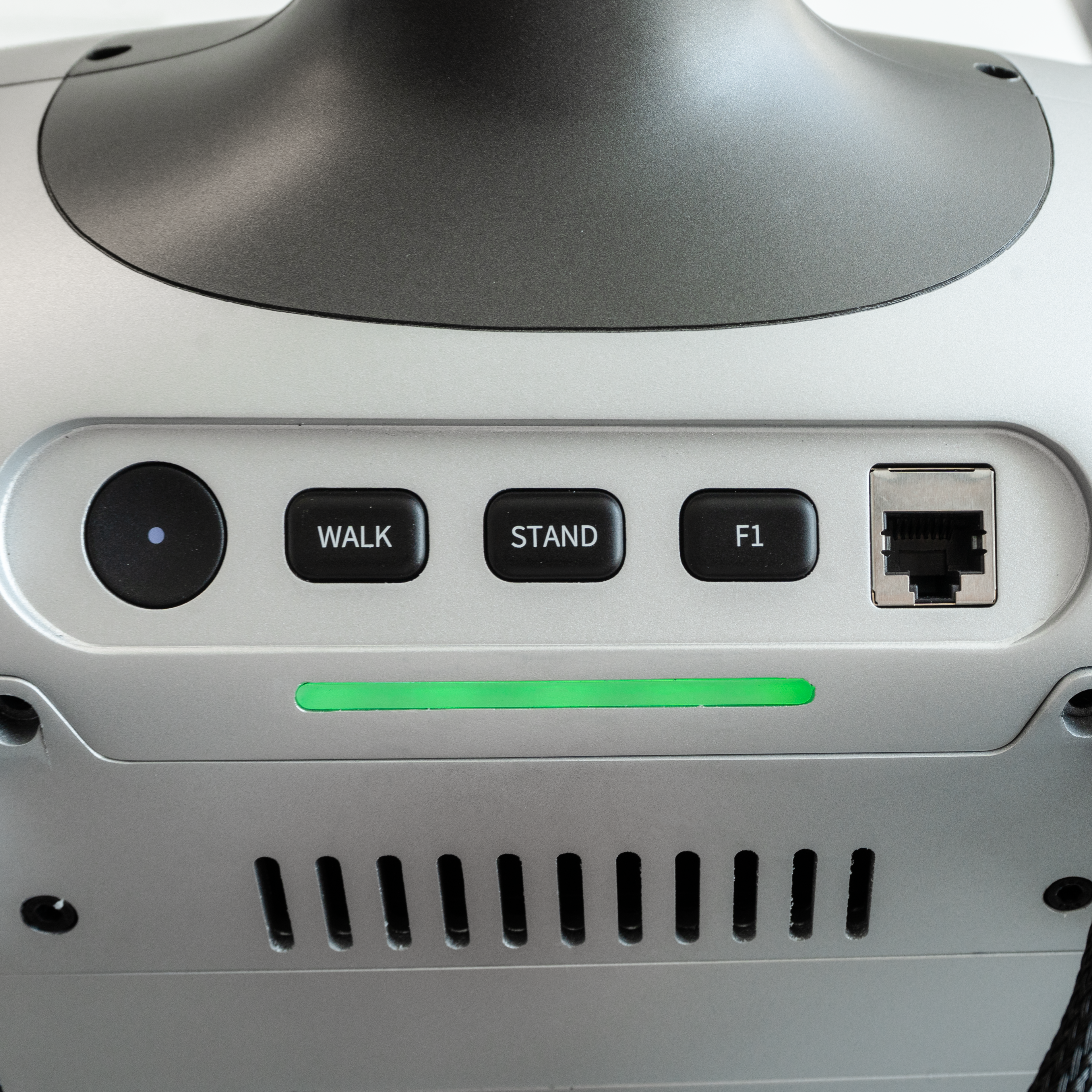
The back panel of the T2 has 4 buttons in total:
-
Power button
- Press and hold for 3 s to power on; press and hold for 3 s again to power off
- After powering off, wait 6 s before powering on again
-
WALK: tap to enter walking mode.
💡
Make sure the robot is switched to PREP mode and standing steadily on the ground before switching to WALK mode
- STAND: tap to enter PREP mode; the robot fully straightens up
- F1: tap to enter DAMP mode, this button is also available for custom functions by changing the config file /opt/booster/Gait/configs/T2/task_instruction.yaml