
Service Control
Robot Control Service Start/stop
Via App
-
Tap "Settings" on the control page to enter the settings page
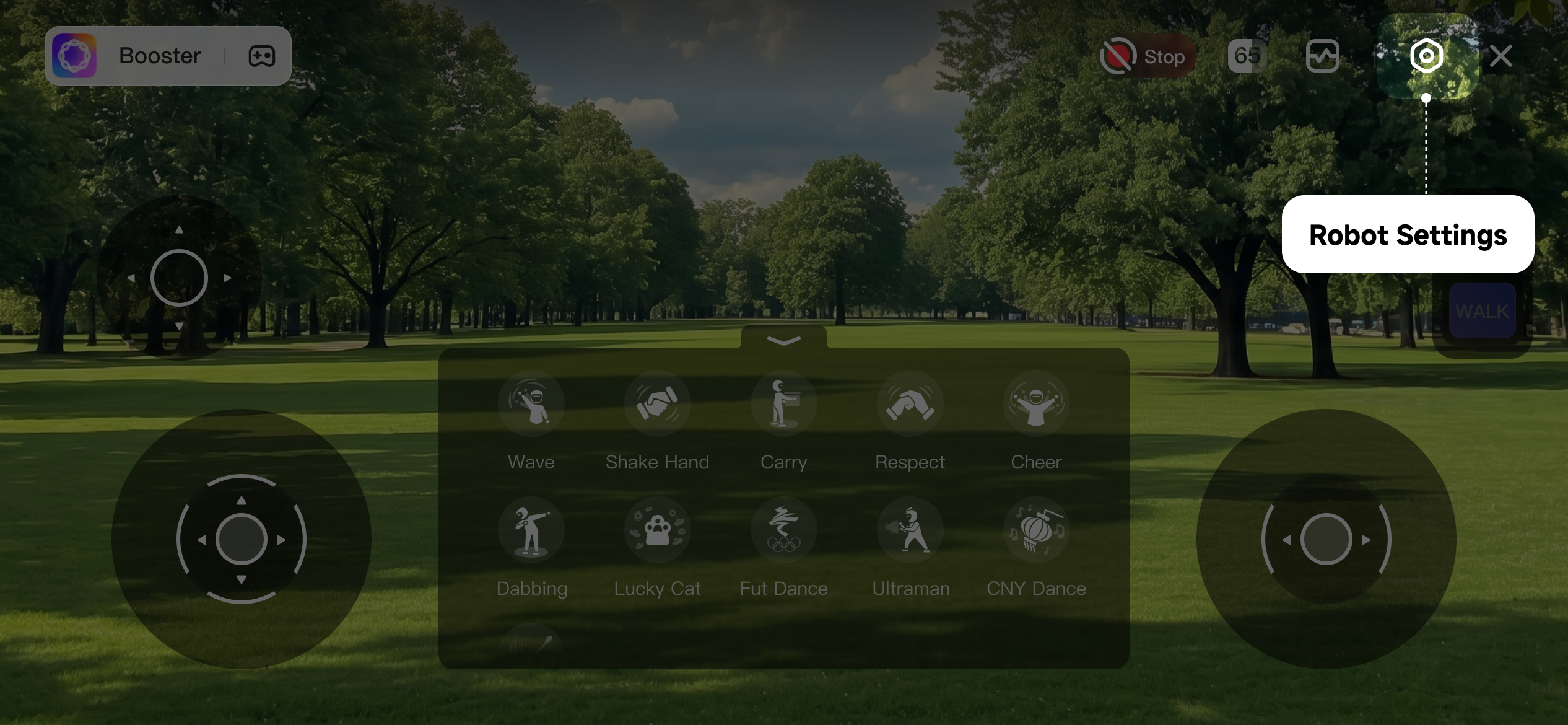
-
Tap "Restart Robot" on the settings page to restart the robot
Via Terminal
- Connect to robot via Terminal
- Execute comand below
⚠️
Before execute command below, you must make sure robot lies down on ground proprerly or placed on bracket
# source once for each logins
source /opt/booster/env/activate
# start robot control service
bdb container boot-all
# stop robot control service
bdb container kill-all
# restart robot control service
bdb container kill-all && bdb container boot-all