
Agent Store User Guide
What is an Agent?
The robot is the “body,” while an Agent is the “skill package” installed in the robot’s brain. You can also think of an Agent as an application running on the robot. Just as you switch between apps on a phone, you can switch Agents to put the robot into a specific capability scenario and get different interaction modes and task abilities. For example:
- Hi Chat: lets the robot talk with users by voice in different personas;
- Football Master: lets the robot follow the game and play football with you;
- Dance Master: lets the robot perform different types of dances from China and around the world, from classical to modern styles.
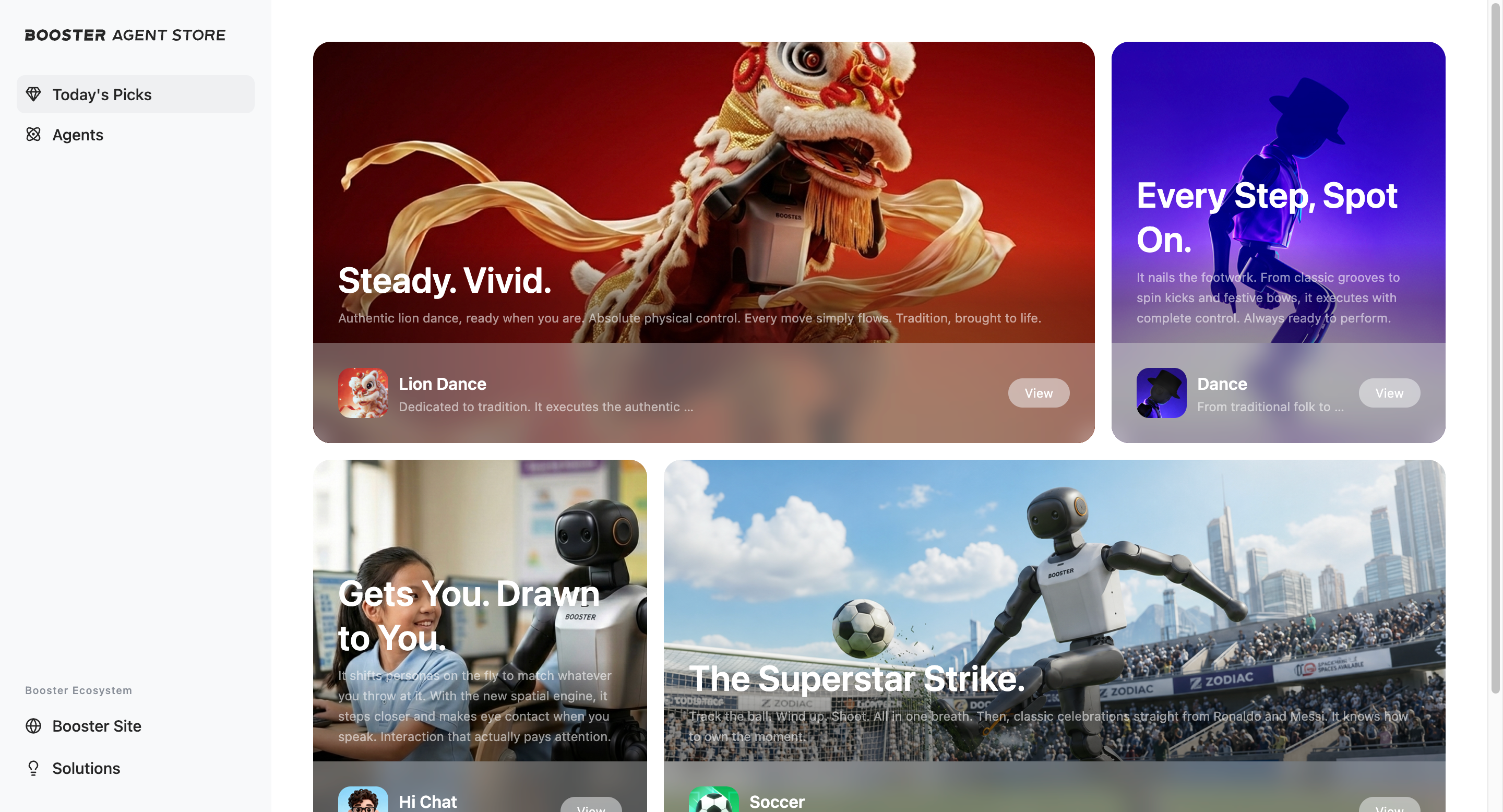
Visit Agent Store to discover Agents
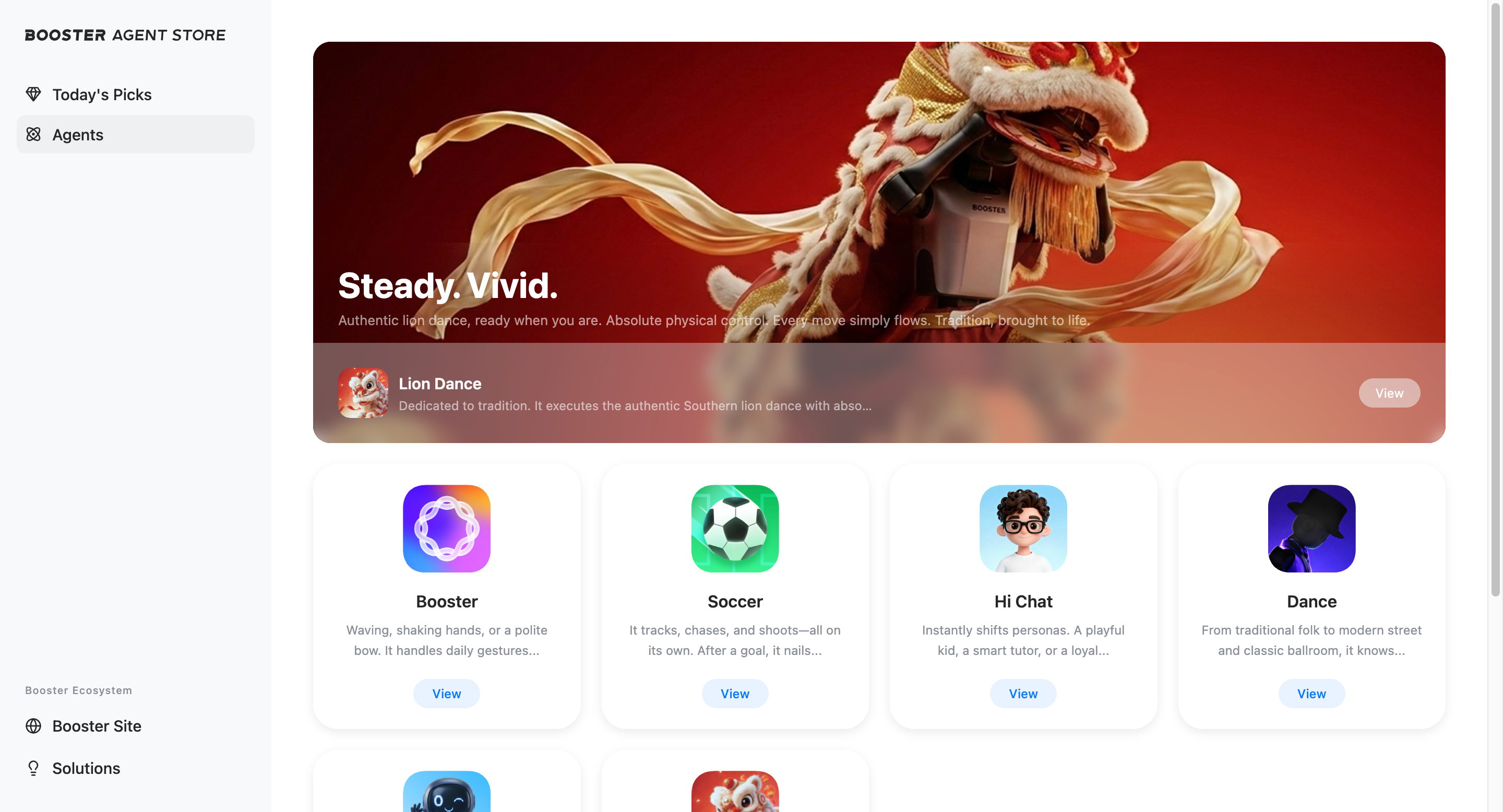
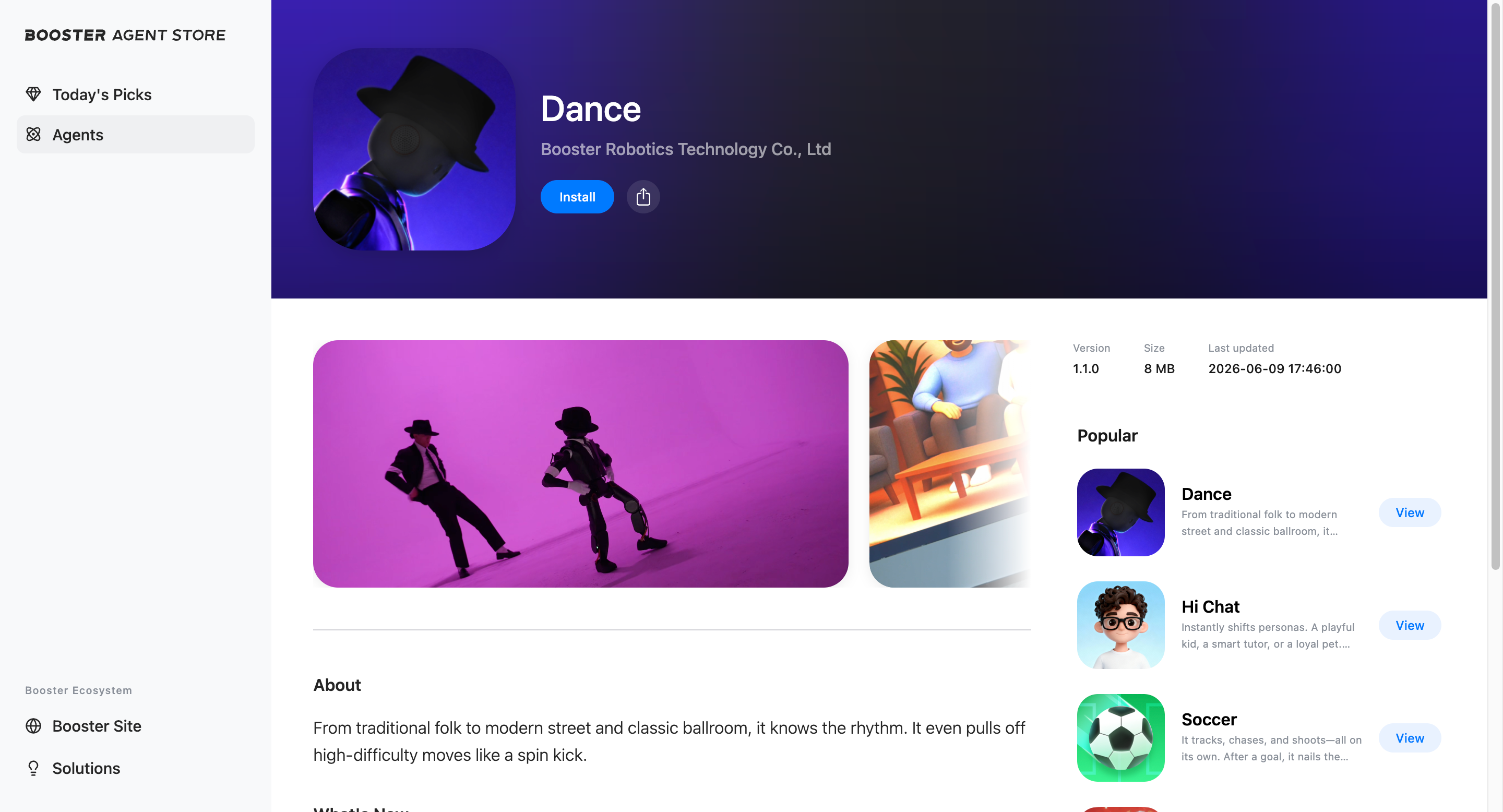
Visit Agent Store and click “Agents” to browse all Agents published by the official team and third-party developers. Find Agents you are interested in to expand your robot’s capabilities.
Get Agents through the app
-
Install the Booster App (version 1.7 or later) from major app stores, or download it from the official website.
-
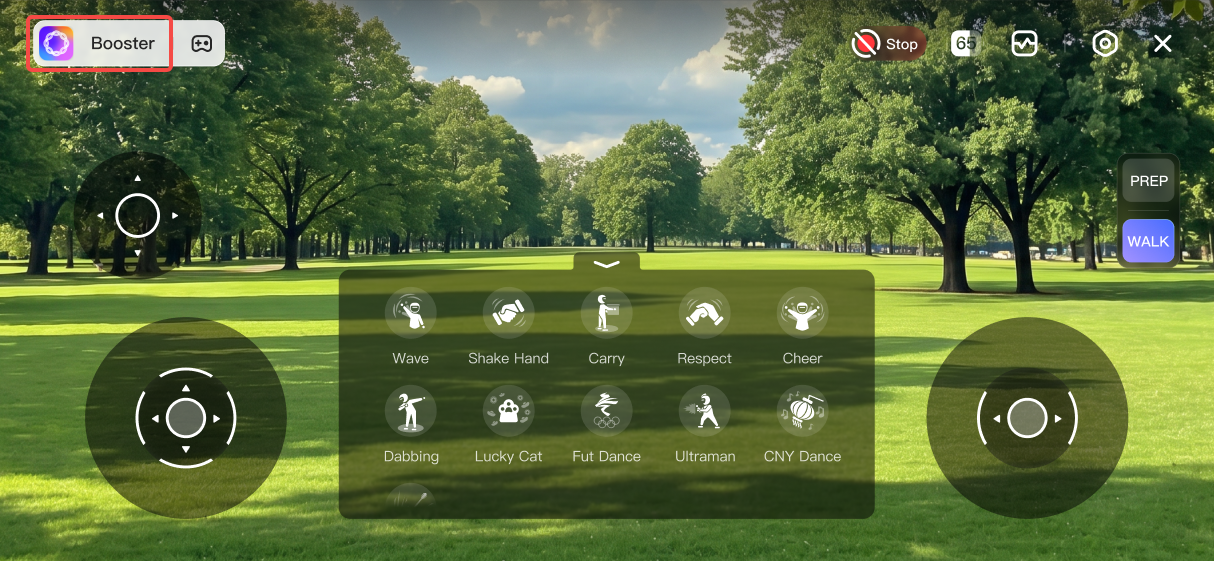
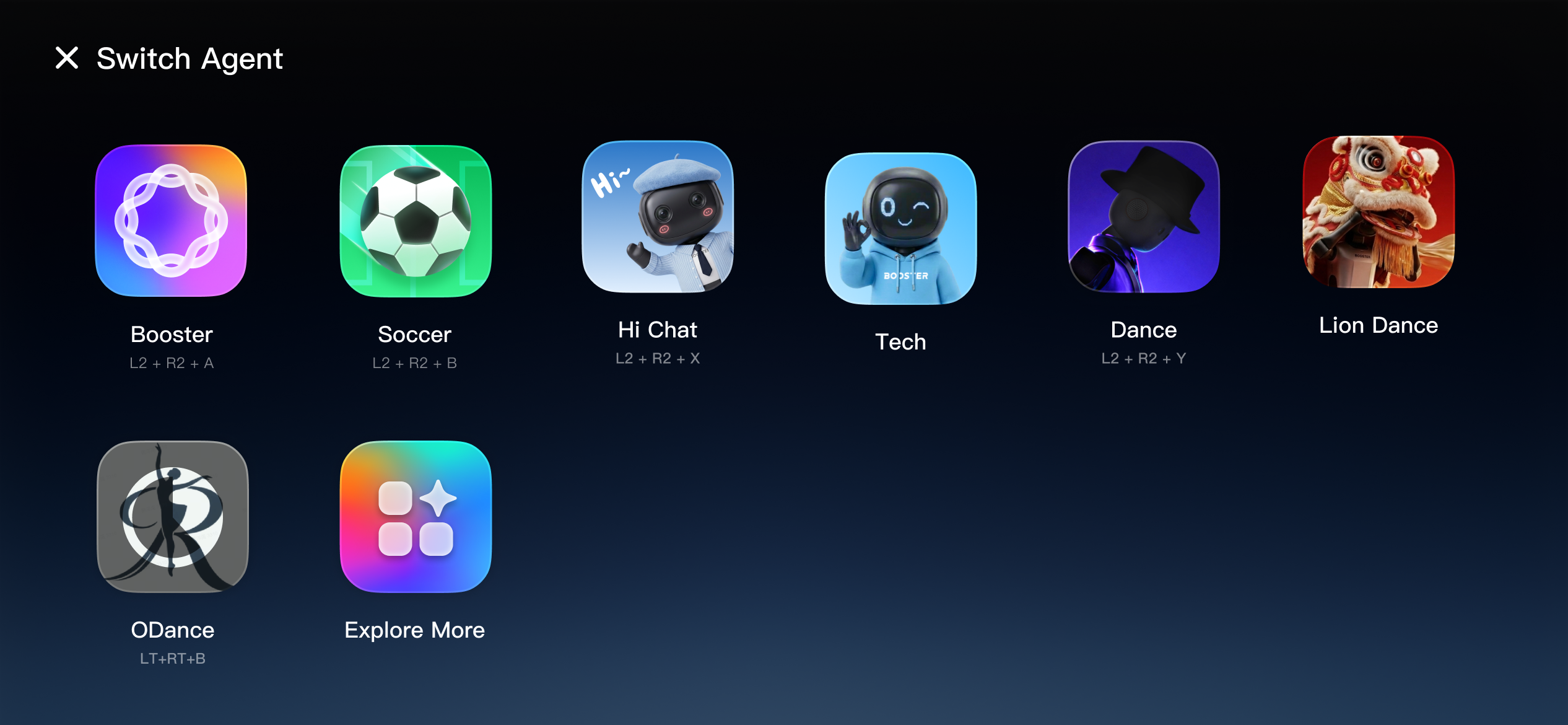
Tap the Agent name to open the Agent switching screen.
-
Tap “Explore More – Install from Agent Store” to access Agent Store, then install or upgrade the Agent you want.

Manage Agents
Installed Agents appear in the Agent list. Tap an Agent to enable it.
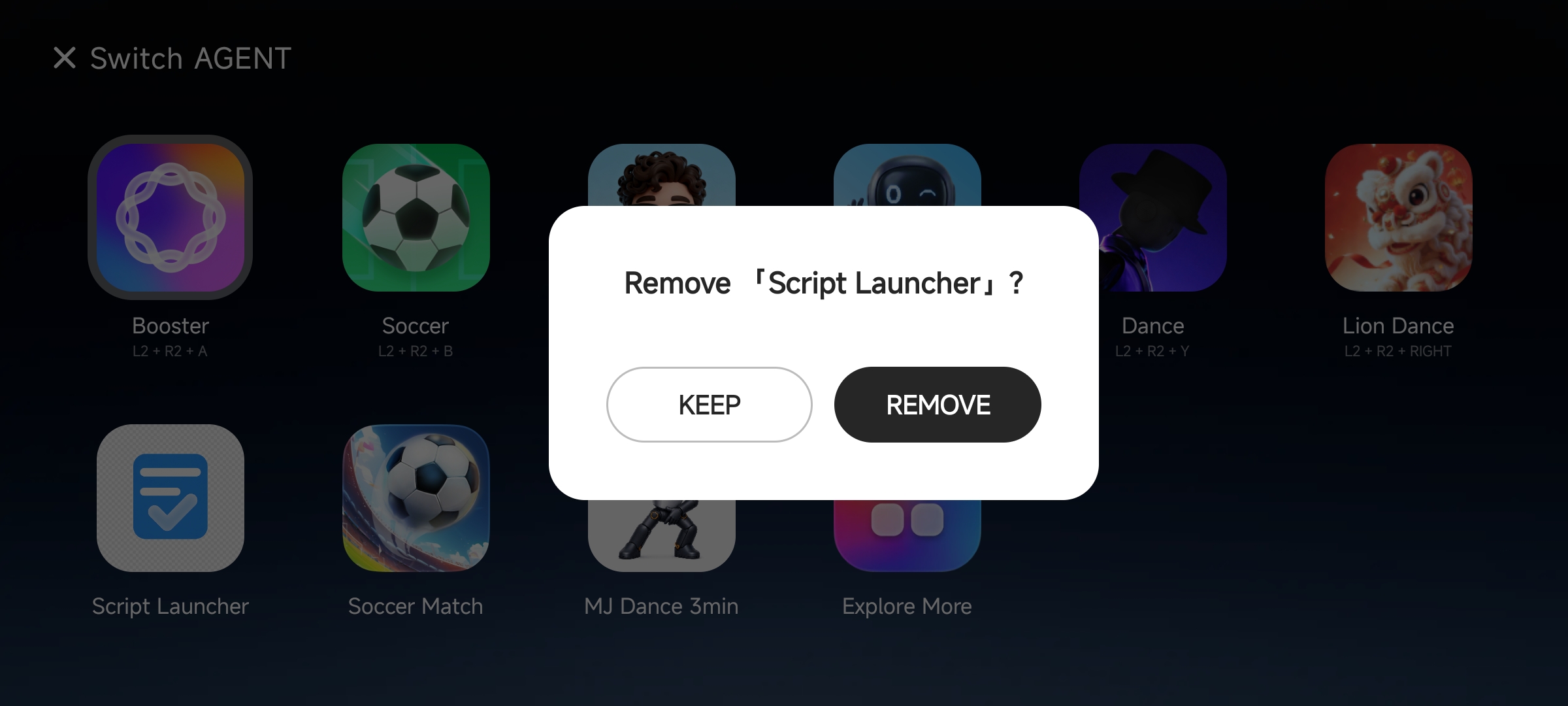
Delete an Agent: if you no longer need an installed Agent, press and hold it, then tap “Delete.”
Develop your own Agent
If you want to create your own Agent and share it with other users, you can:
- Download Booster Studio.
- Learn how to use the Agent development framework.
- Develop and debug your Agent.
- Send the
.agentfile to us at software_support@booster.tech, along with an introduction to the Agent and instructions on how to use it. - We will review the Agent to ensure its completeness, security, and stability.
- If the review is approved, the Agent will be listed on Agent Store for all developers to install and use.