
Version Upgrade
Before You Upgrade
When installing a new version of software, the robot's motion control program will be stopped, and the robot's joints will not exert force. Before upgrading, ensure the robot is in DAMP mode or motion control is stopped and has good support (e.g., placing it flat on the ground or using a stand to support the robot). Do not cut off power or interrupt the process during the upgrade.
- Make sure the installation package matches the current T2 model and the target version.
- Make sure the robot's battery level, network, and terminal connection are stable.
- If you have modified any configuration files, back up important configurations and logs first.
Upgrade via App
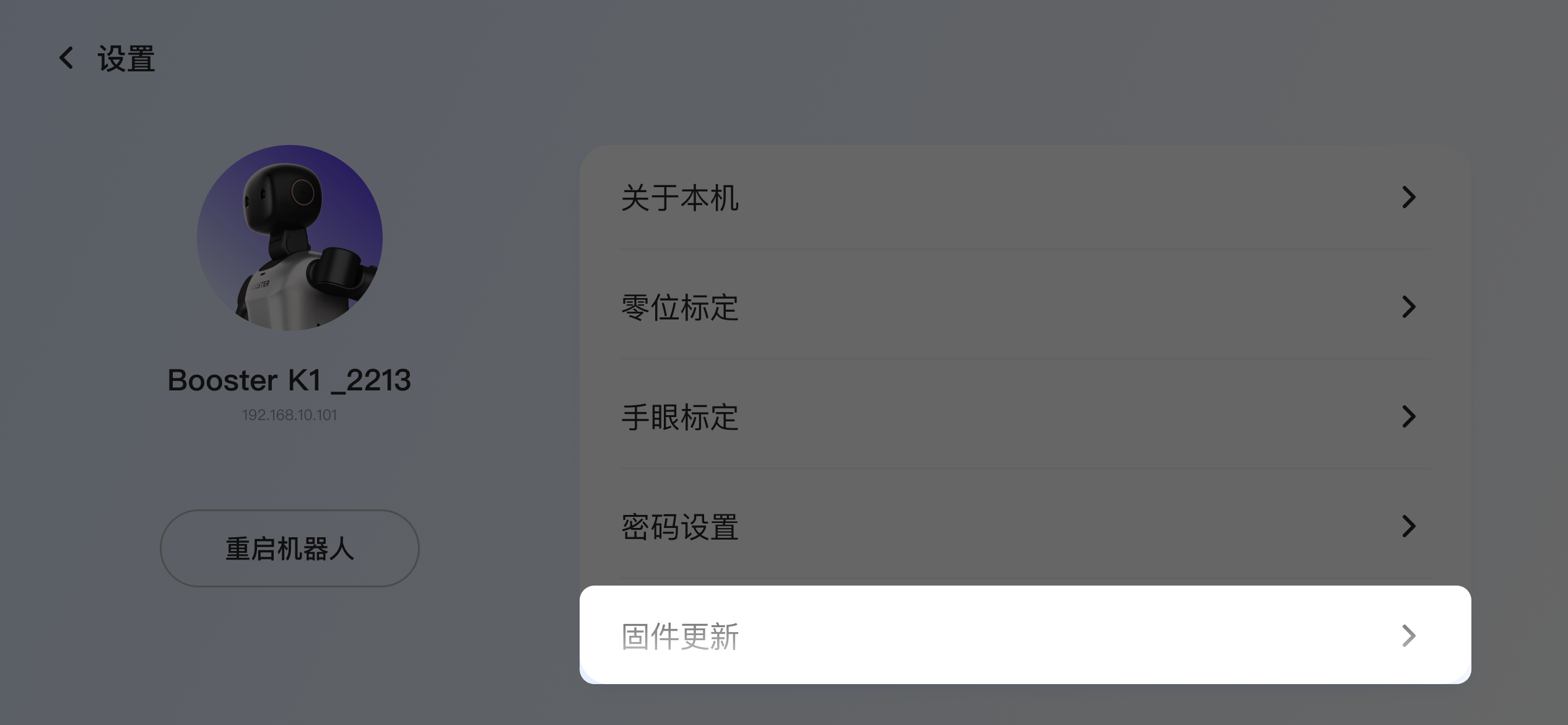
In the robot's Settings, tap Firmware Update
-
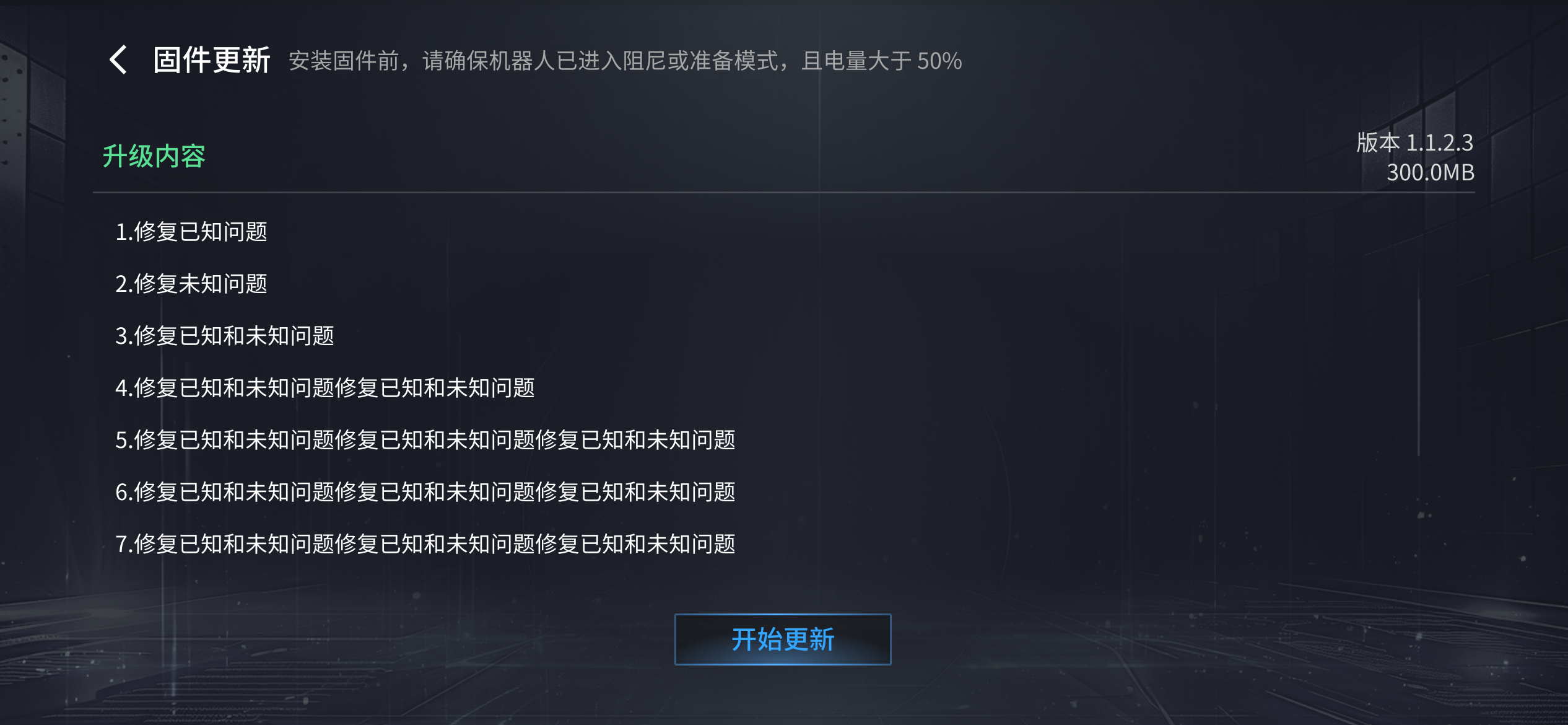
Before installing firmware, make sure the robot is in damping or prepare mode and the battery is above 50%
Upgrade via Terminal
Upgrade with an Installer Package
Please refer to the historical version installation packages T2 Version History
After downloading the latest robot software installer package, you can run the upgrade from it. The current release information is as follows:
Release date | Software version | Package download link | What's new |
2026.10.19 | v1.8.3.2 | New Features
Bug Fixes
|
-
Add execute permission to the installer package. Replace
<package-filename>.runwith the actual downloaded package filename.sudo chmod +x <package-filename>.run -
Copy the upgrade package to the robot's onboard computer, for example to
/home/booster/Downloads.scp <package-filename>.run booster@192.168.10.102:/home/booster/Downloads/ -
Sign in to the robot's onboard computer, go to the directory containing the package, and run the installation.
cd /home/booster/Downloadssudo ./<package-filename>.run -
After the installation completes, restart or check the robot service status as prompted.
FAQ
pip downloads are slow
The perception process depends on some Python libraries installed via pip. If downloads are slow, switch the pip source and run the upgrade again.
sudo su
pip config set global.index-url https://pypi.mirrors.ustc.edu.cn/simple
./<package-filename>.run
apt update fails
If the upgrade log reports that apt update fails, use the fishros tool to switch the source, then try the upgrade again.
# Recommended: use fishros and select in order:
# [5] One-click source switch
# [1] Switch system source only
# [1] Add ROS/ROS2 source
wget http://fishros.com/install -O fishros && . fishros