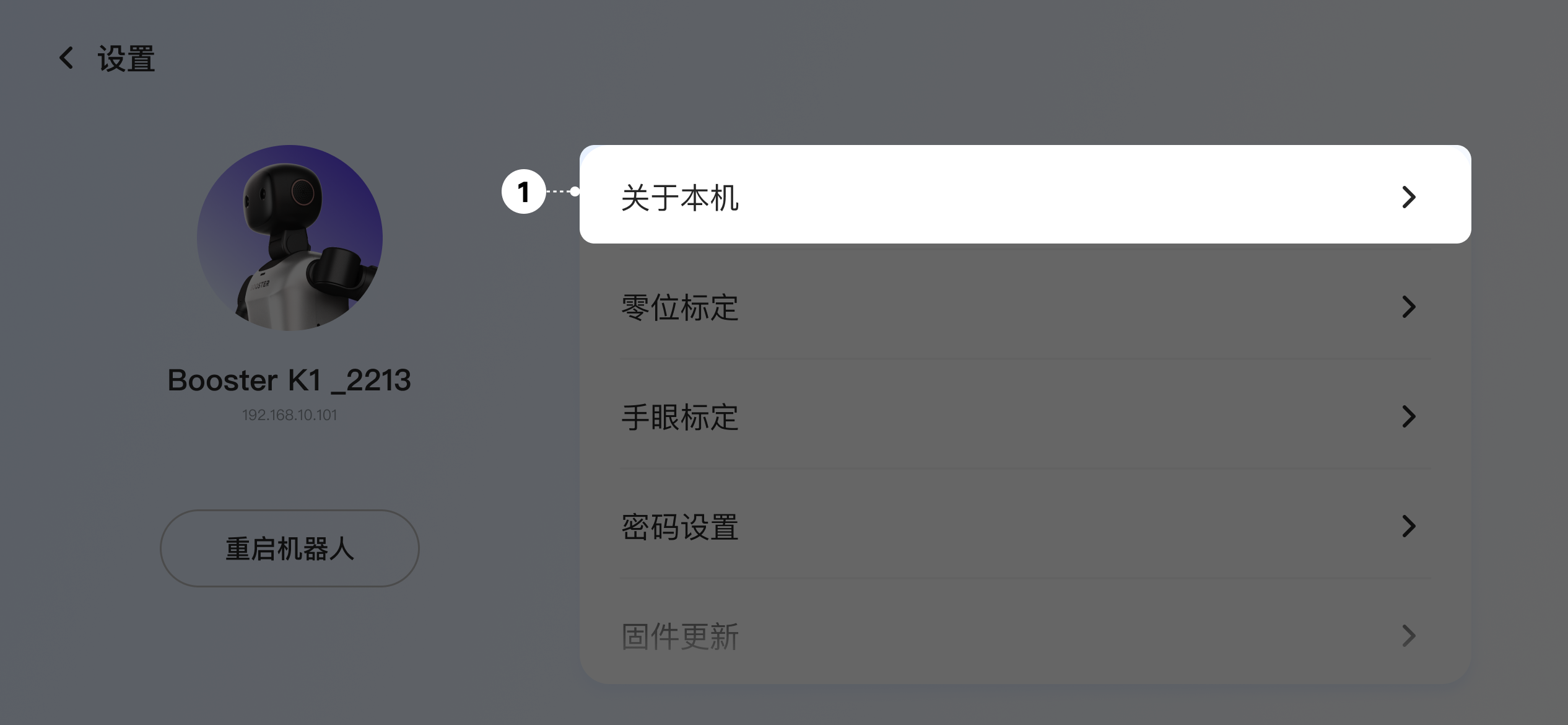
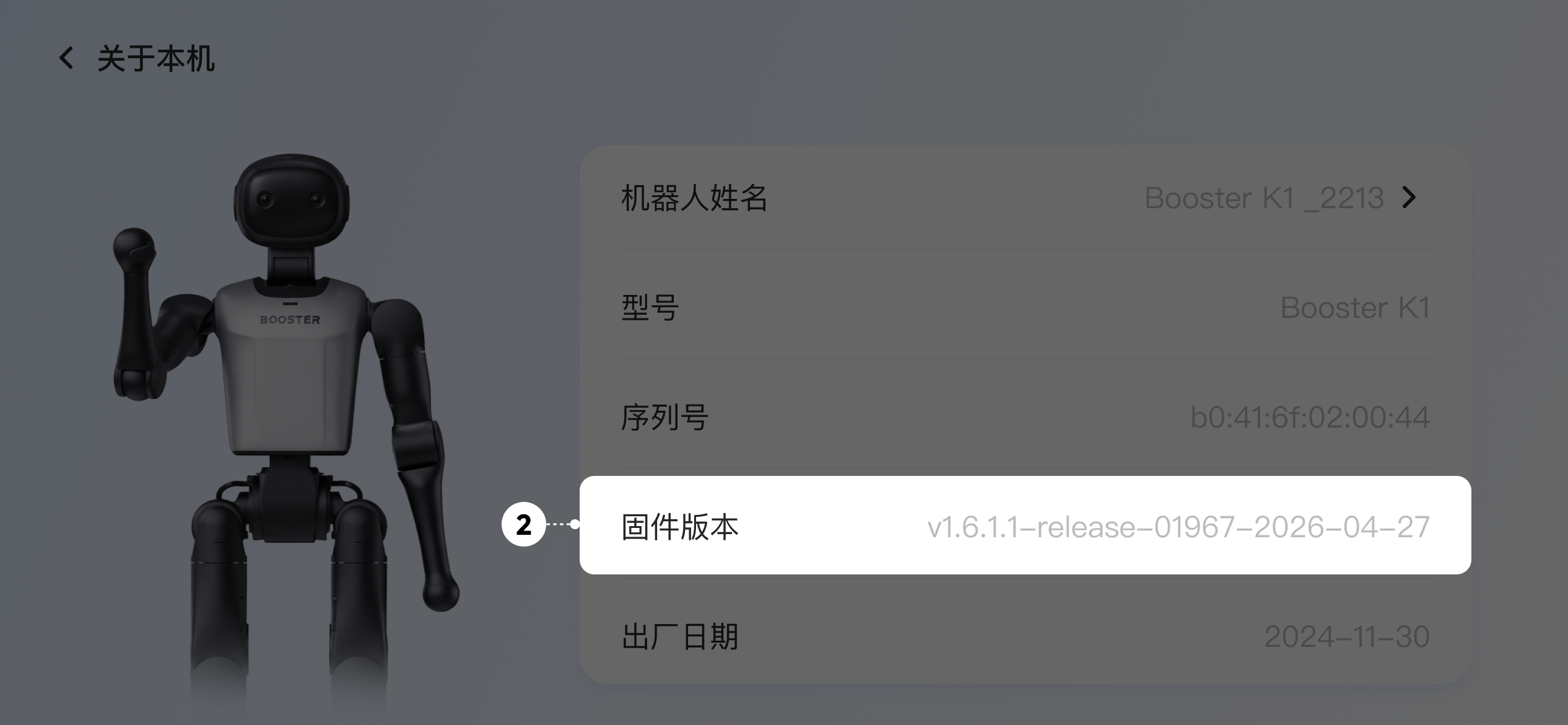
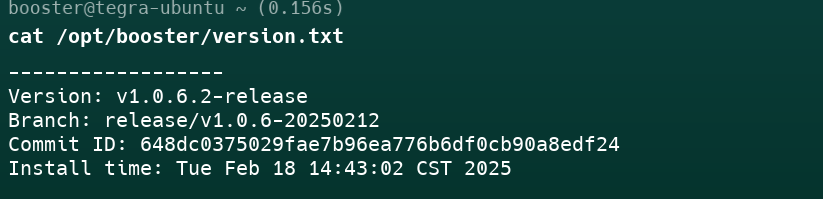
Product ManualT2 Product ManualFirmware VersionCheck VersionOn this pageCheck VersionCheck via App After connecting to the robot, tap Settings - About to view the robot's current version Check via Terminal After connecting to the robot's onboard computer, run the following command to view the current system version: cat /opt/booster/version.txt Example: