Check Version
Check via App
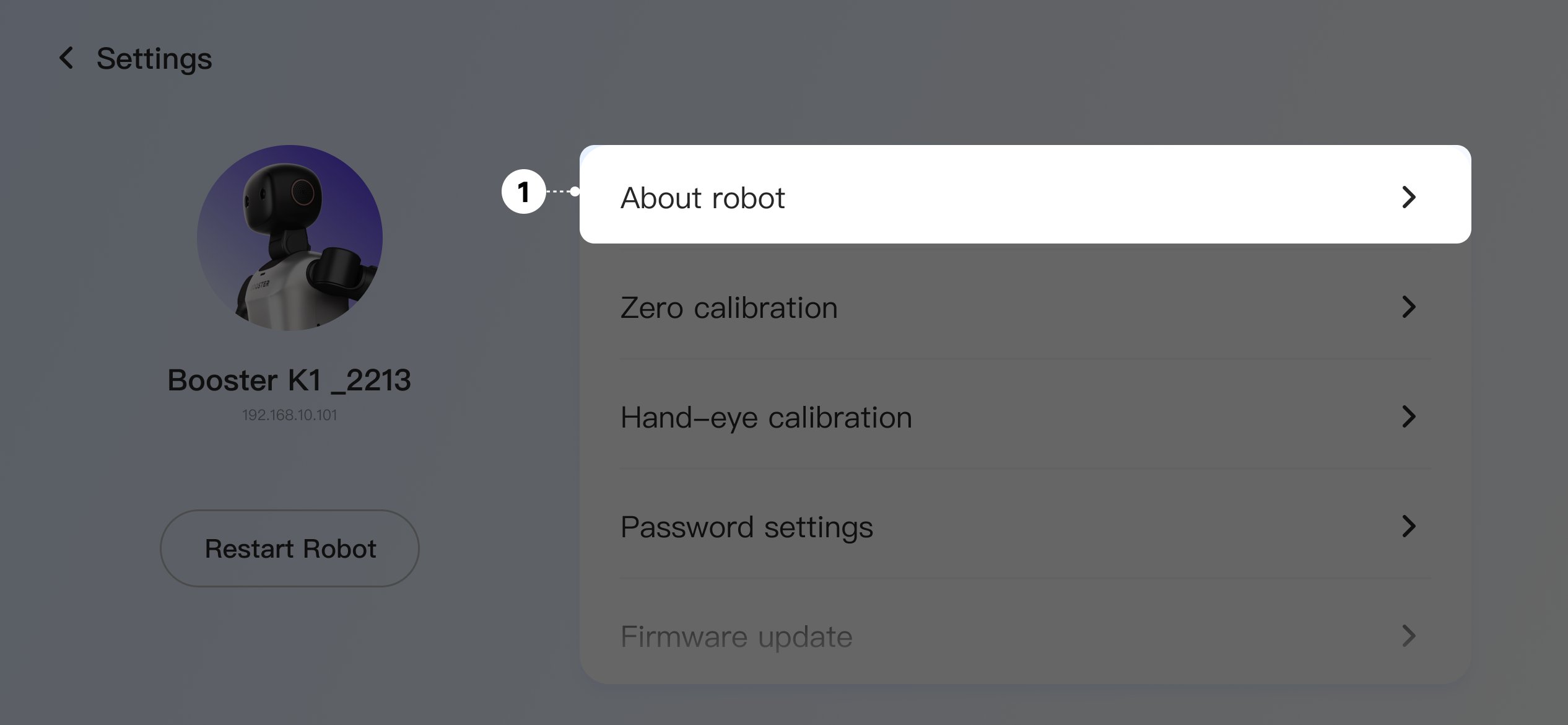
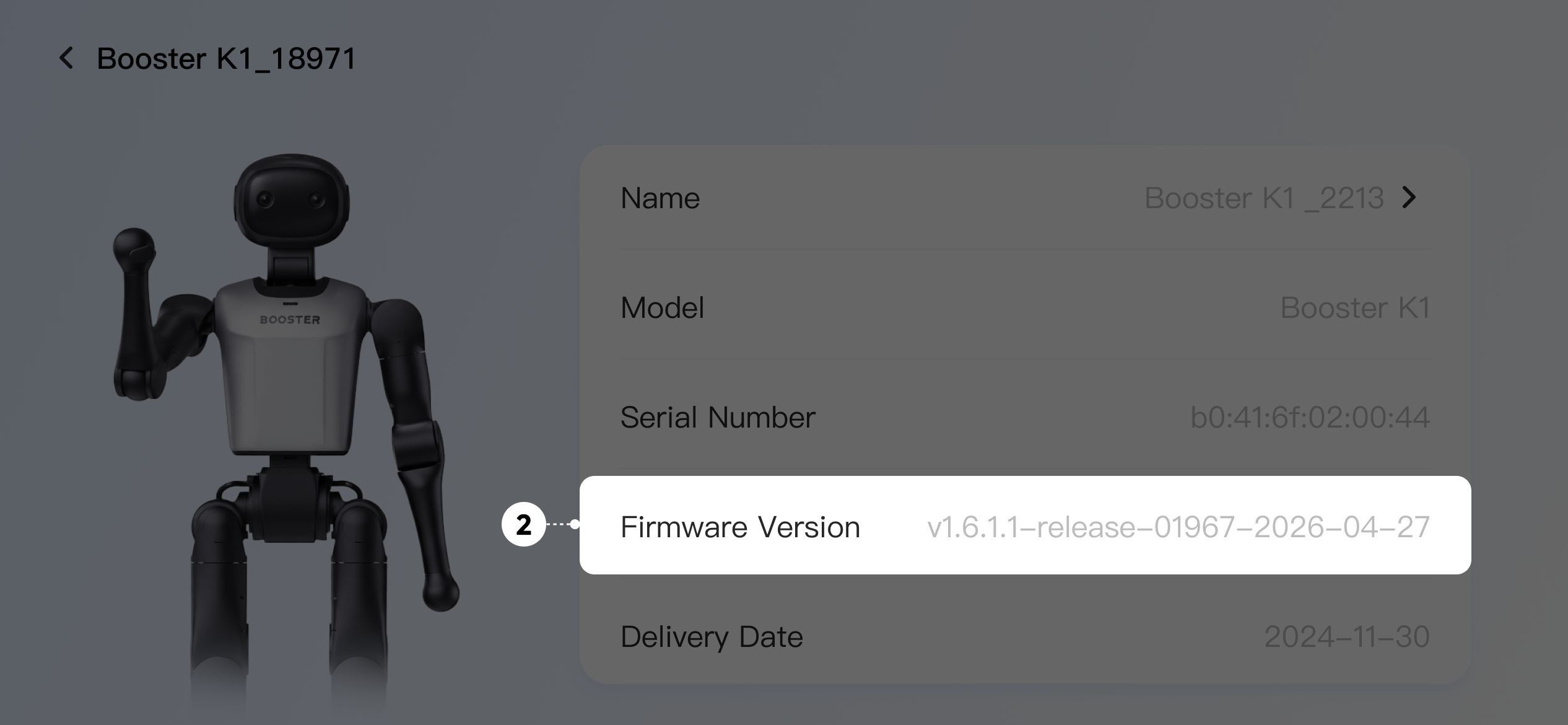
After connecting to the robot, tap "Settings - About" to view the robot's current version.
Check via Terminal
Basic
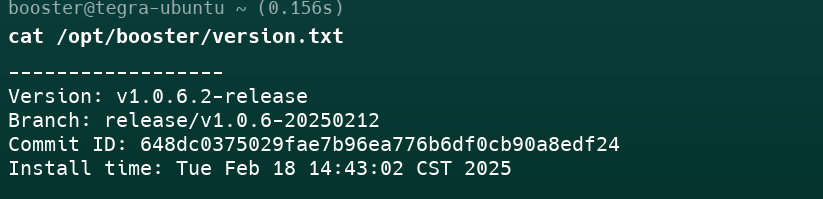
After connecting to the basic board, you can run the following command to check the current system version of the robot.
cat /opt/booster/version.txt
Standard
The motion control board and the perception board each have their own versions. After connecting to the respective board, you can run the following command to check the current system version of the robot.
cat /opt/booster/version.txt
example: