Activate a Virtual Robot
-
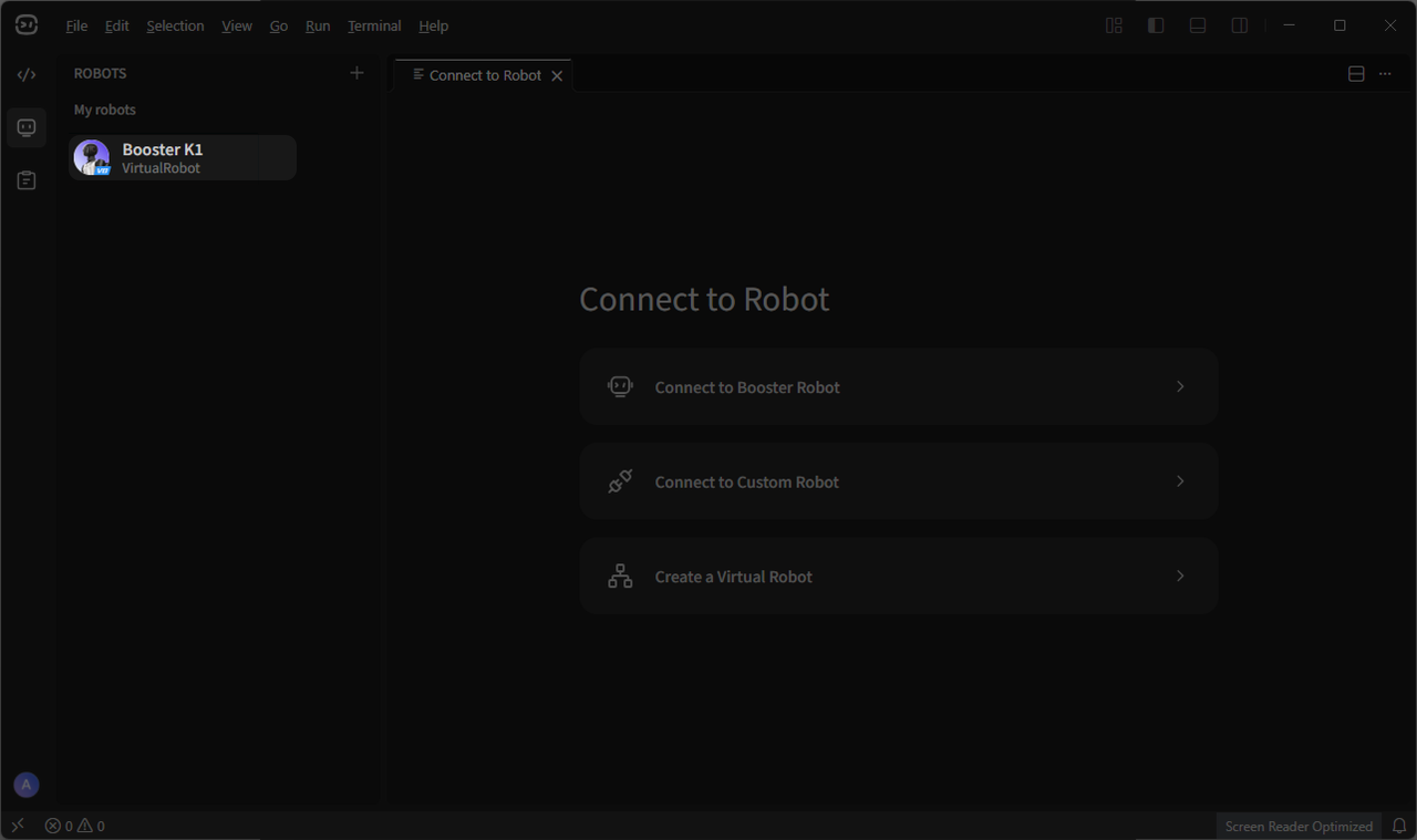
Click the virtual robot in the robot list on the left to activate the default virtual robot.
-
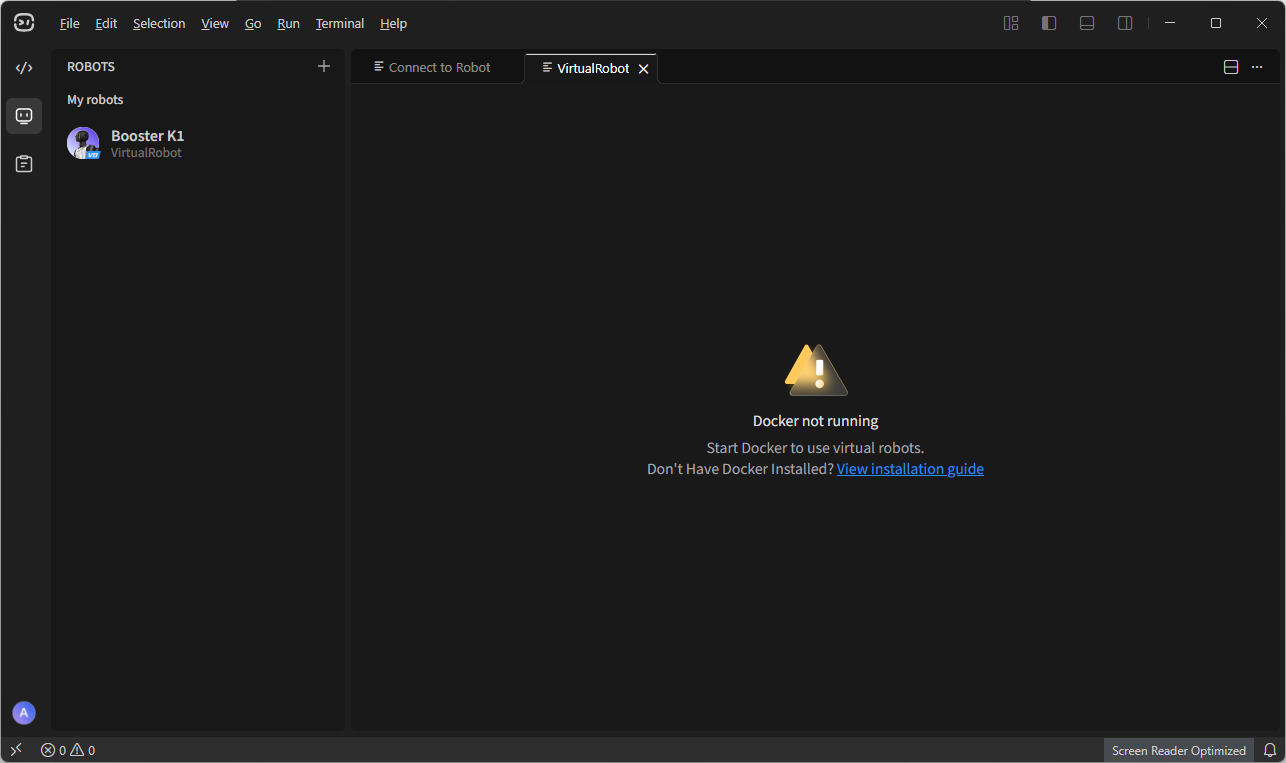
This prompt indicates that Docker Desktop has not been downloaded or started on the computer. For installation instructions, see Docker Installation Guide
-
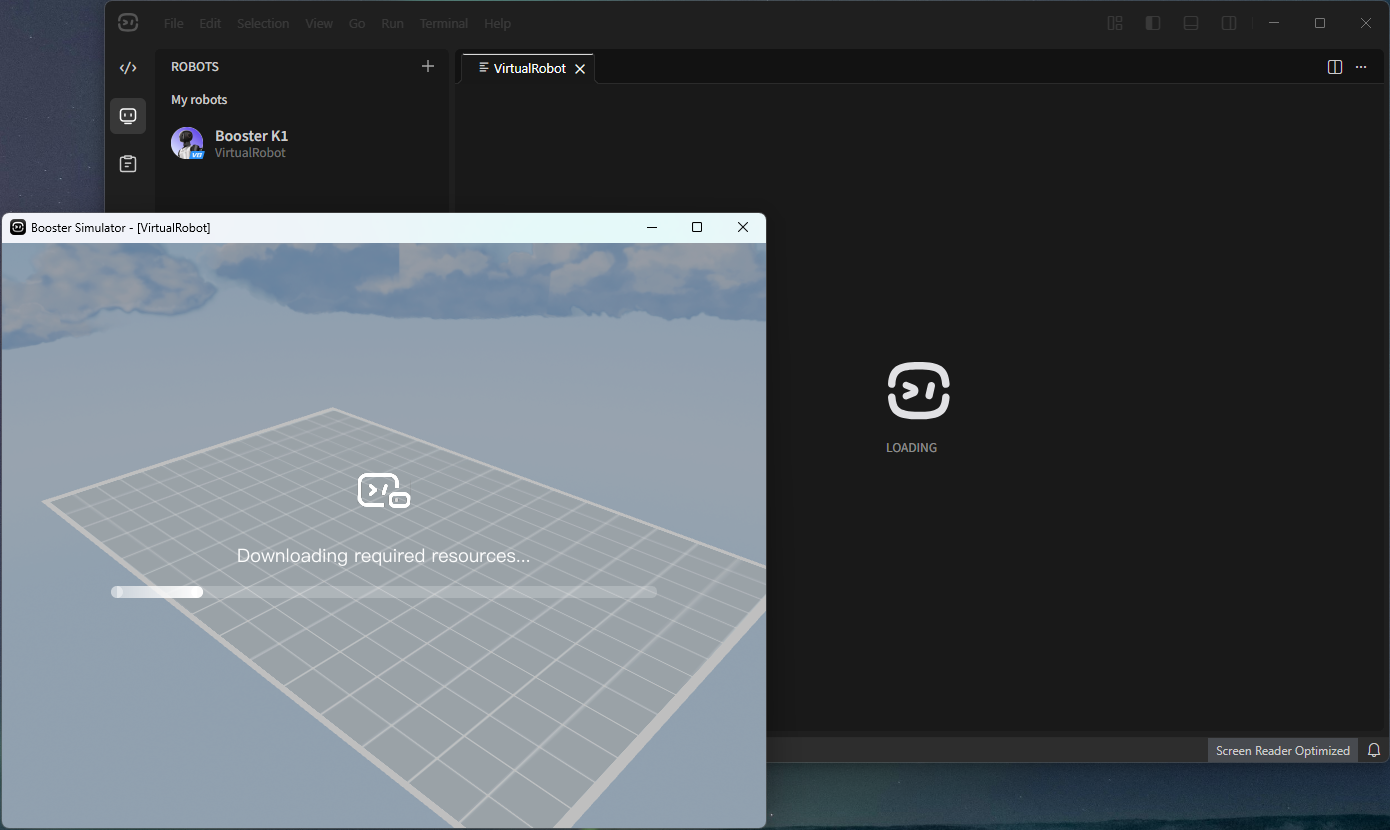
After Docker is running, resources will be downloaded automatically the first time you open the virtual robot. Depending on your network conditions, this usually takes about 5-20 minutes.
-
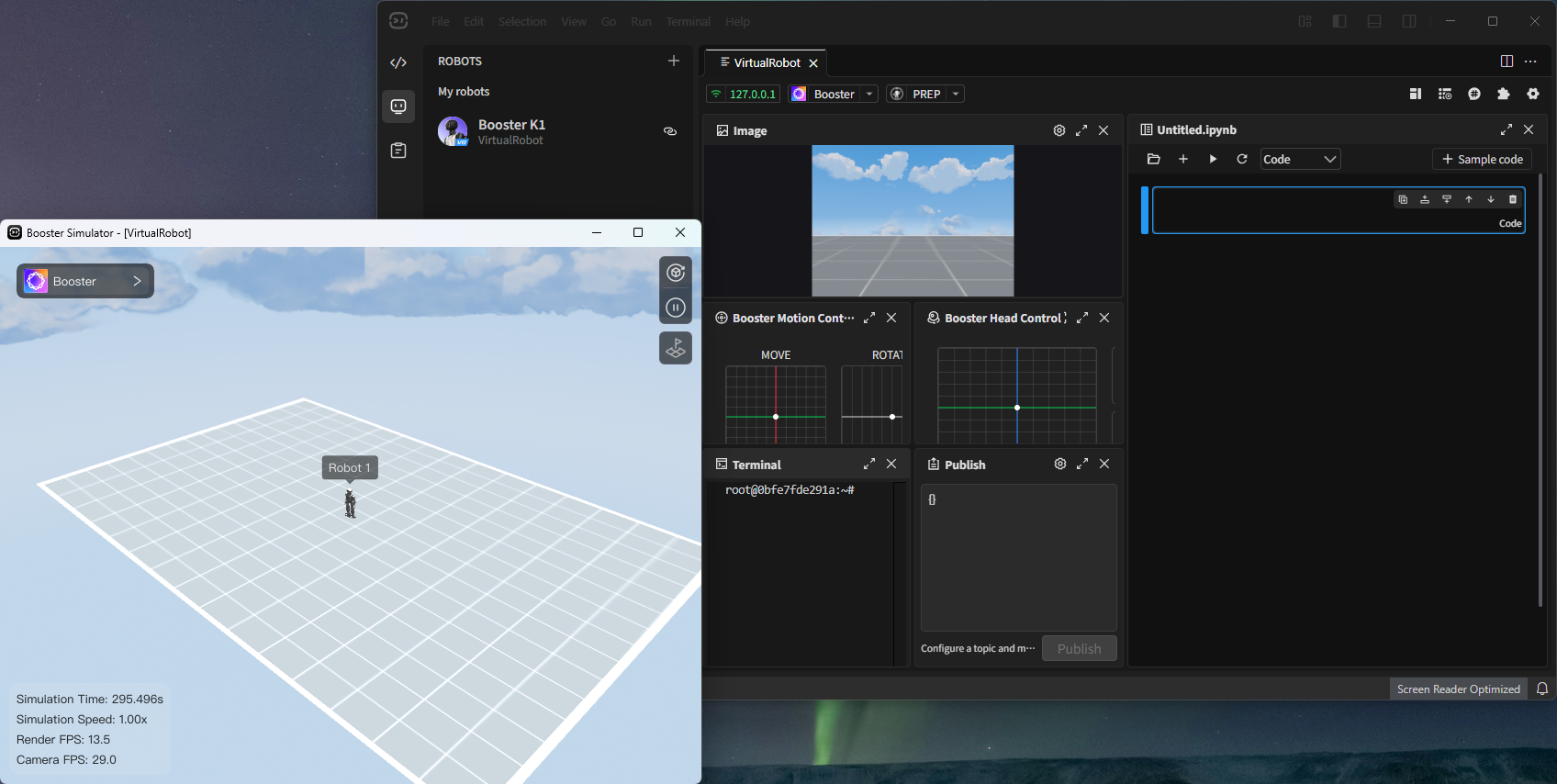
After the resources finish downloading, the virtual robot is ready to use.